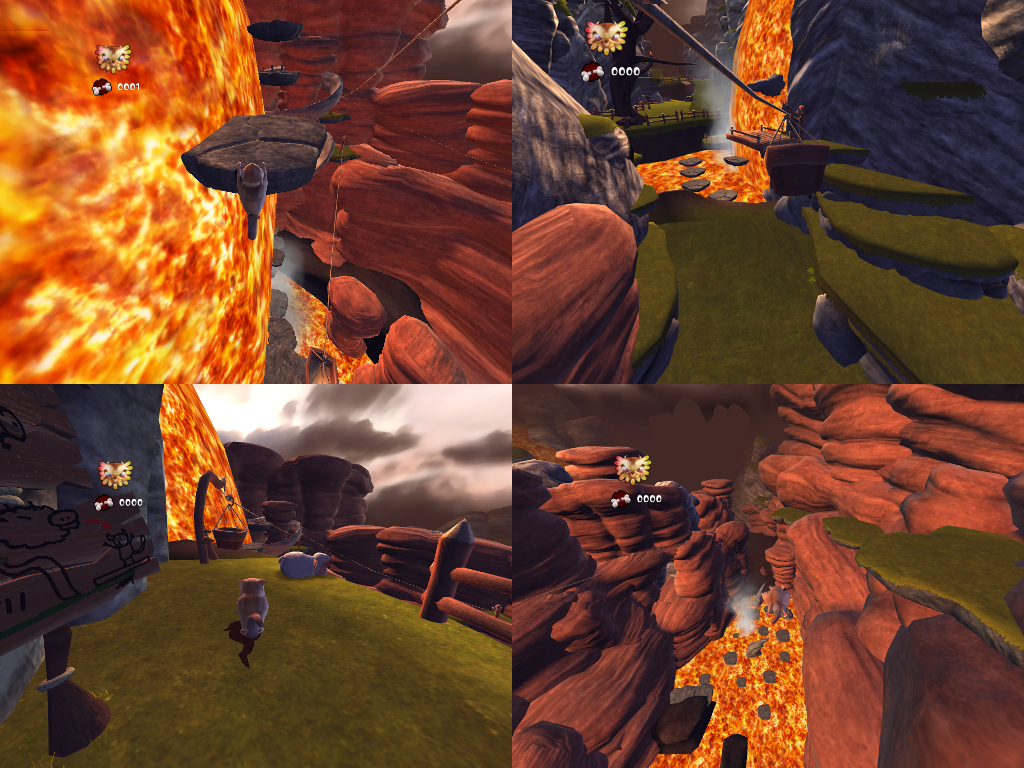
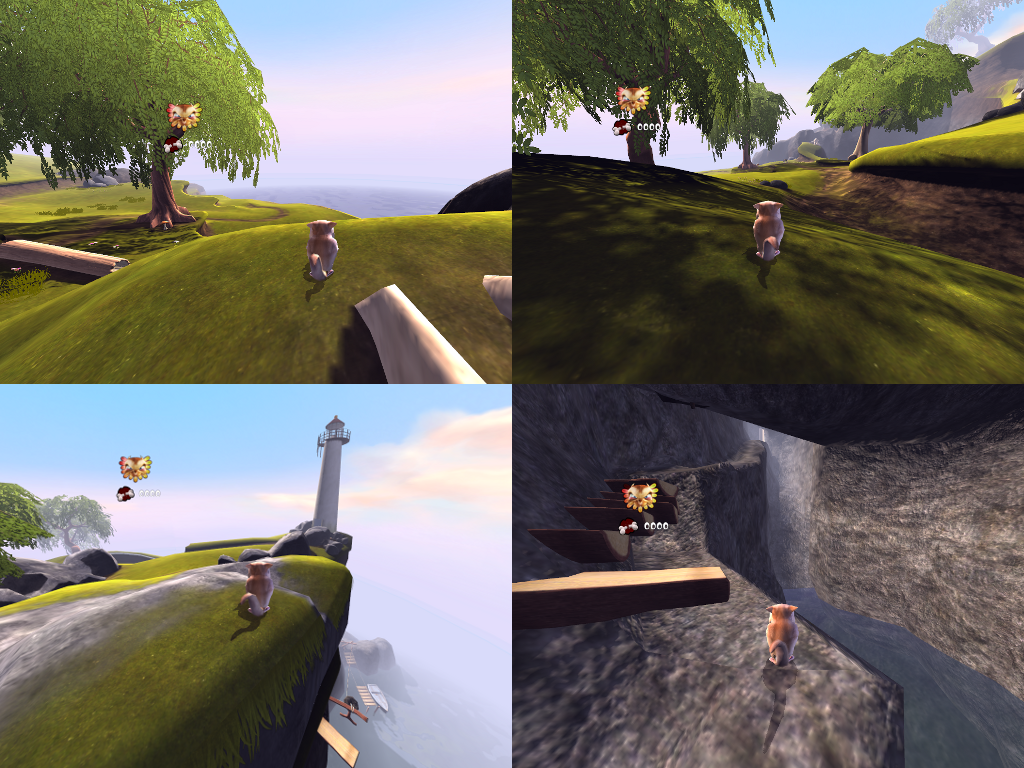
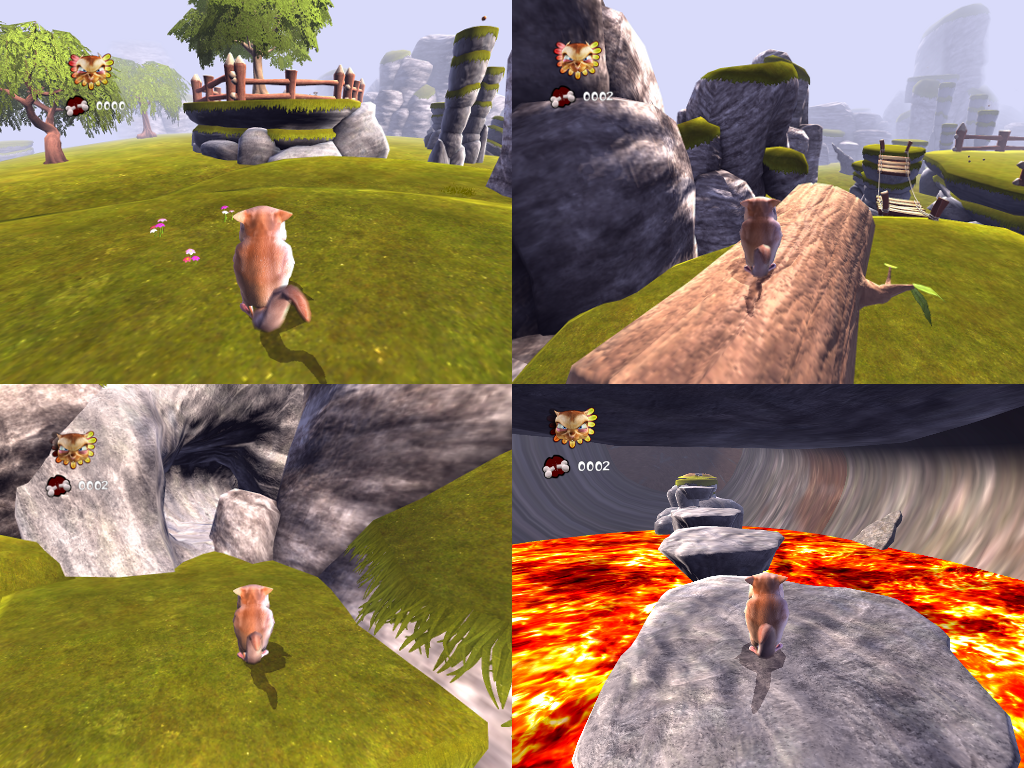
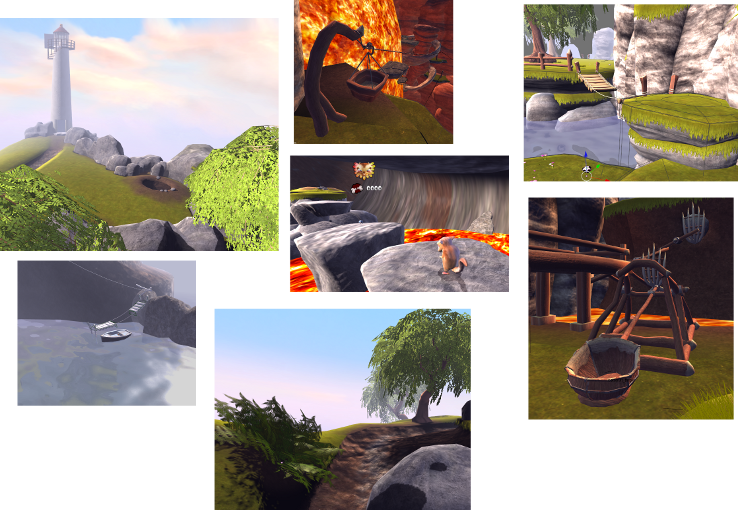
To kickstart some new levels for Yo-Frankie I have decided to run a six week competition to create new levels for the game. These can then be included in a future release of YoFrankie, which will include updates for the next blender release and bugfixes.
Goal: Create a great new level for YoFrankie based on the following criteria…
- Level design (the level should be fun to run around, explore, and play in)
- Game play (playing the level from start to finish should be engaging)
- Good graphics quality (nice textures/materials/scenery)
Bonus Points for…
- Efficiency – Creative use of existing Yo Frankie assets (textures/materials/models/sounds).
- Replay value – Come up with a way that makes your level fun to play again and again!
- Puzzles – Its possible to create puzzles with no programming (pushing blocks about, spring boxes, moving platforms)
- 2 player features (when the level is extra fun to play with or against a friend)
No Bonus Points for…
- Slow level logic/python scripts
- Level running slower then existing YoFrakie levels (level_1_home)
Starting Date: January 16th, 2009
Deadline: February 28th, 2009
First Prize 250 Euro
Second Prize 150 Euro
Third Prize 100 Euro
(Payment via PayPal)
Notes
- You may focus mostly on one area, awesome graphics, great puzzles, fun 2 player, challenging platforms to glide between etc.
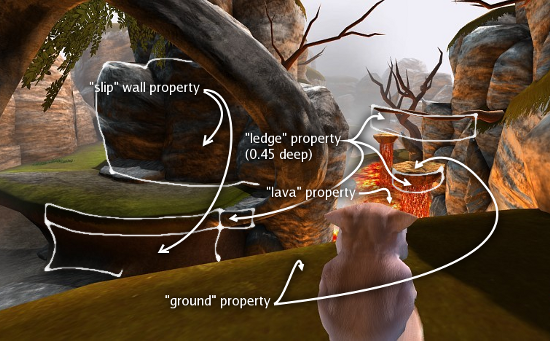
- This project should be something a non technical artist can finish. You can make a level without adding any logic bricks or scripts, the players have their own logic, so you can get by with knowing 3-4 property names to assign to different level objects – see the wiki for details.
- Your level doesn’t need to use GLSL materials (old texface materials are ok too).
- This level will eventually be included with other levels, start by adding your level to the “levels” directory, and reuse existing groups where possible.
- Even if you don’t win, your level can still be included in the next release of YoFrankie.
- This is not an official Blender Foundation competition, see my contact details below.
- To get updated YoFrankie files from Subversion see projects.blender.org/projects/yofrankie (includes some texture updates but not a requirement for making your level)
- Your not limited to a woodland theme, however if you want to add a new world type (space, ice, underground etc), your giving yourself a bigger project.
- No age limit on participating.
Judging
I’ll run a community vote on blender artists, however I’ll decide on the final outcome if it seems biased in some way or if people are not able to test levels.
Rules
- Collaboration is fine, but I’ll only accept an entry from a single person.
- Final level must be under 100mb compressed (excluding existing assets).
- No modifications to the player logic (jump height, glide distance etc) – bug fixes are an exception.
- Your level must be under the same creative commons license as all existing YoFrankie levels.
- No node based materials (just use material-textures for more efficient shaders)
- You can enter more then one level
- Level cannot have been entered into a previous competition
Guidelines
- Texture dimensions should be one of 1024, 512, 256, 128 etc. With a maximum of 1024×1024, (Animated textures and shadowmaps are an exception, can be 2048×2048)
- I’m purposefully leaving the poly count undefined, use the existing levels as a reference for polygon density and try to minimize the use of alpha sorted faces.
- Level size should be somewhere between the lava level and level_1_home – 20×20 to 120×120 blender units.
Uploading
There is an open ftp space on blender.org. It works like this:
- ftp to: download.blender.org
- user: anonymous
- password: your email address
When logged in, go to the directory ‘incoming’. What you put there is visible here:
http://download.blender.org/ftp/incoming/
This upload space deletes all old files after a couple of weeks, so don’t use it for permanent storage.
Once you have uploaded your level email me and I’ll move it to a permanent location.
Useful resources for level editing
- An overview of the game logic used in Yo Frankie! can be found on the wiki, which describes in detail things like properties in the game, character and level logic, camera, splash effects and more.
-
Video tutorial on how to create your own level using the level template (library.blend found in the levels folder)
I’ll answer questions on the thread, but you can mail me personally too.
Contact: Campbell Barton – [email protected]
*Update* the most useful feedback is taking place on the blenderartist thread
*Update* Competition starts today, added ftp upload information, good luck!
 Campbell (ideasman42) |
 07 4th, 2009